A model as data in. A step-by-step 3D build video out.
/fp-build-sequence-3d
What it does
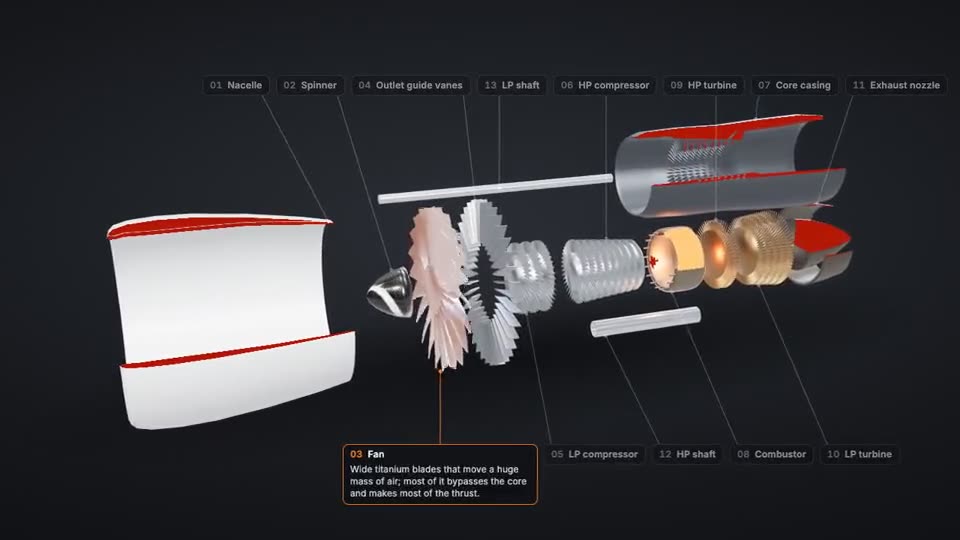
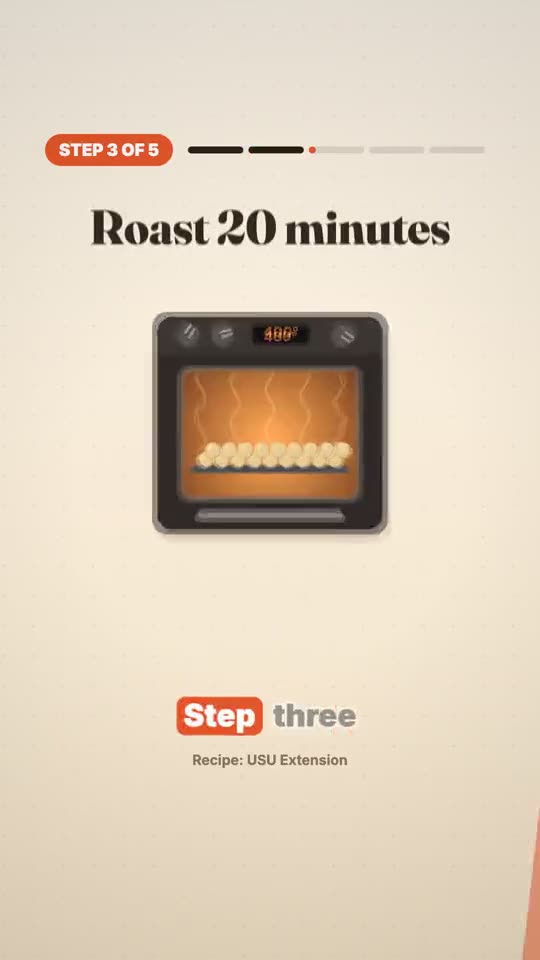
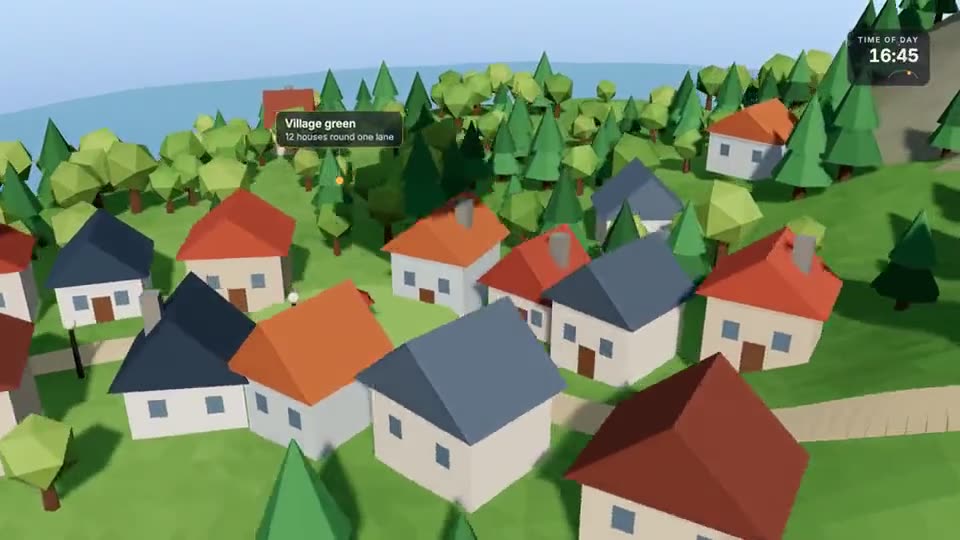
Watch something get built, one numbered step at a time: a parts card per step, each piece flying in and clicking home, a turntable at the end. One build.json drives the video, a clickable stepper and an exploded view.
Numbered steps with a parts and count card
Parts fly in along their real path and seat
Stepper page with Next, orbit and Explode
You bring, you get
You bring
What you want built: an original model to design together, or your own product with its manual or parts list. Brand sets and licensed characters are out.
You get
A 15-25 second build video in 9:16 or 16:9 with synthesized sound, an interactive stepper page, and the build.json that drives both.
Perfect for
Building instructions
Kit and toy brands
Flat-pack assembly
Construction time-lapse
Interactive guides
Satisfying build Reels
How it works
DESIGNSketch the model as sub-assemblies.
APPROVEParts table and step table. Yes first.
CHECKThe checker proves nothing overlaps.
PREVIEWOne tile per step: is the seat visible?
RENDERVideo, frame checks and sound mix.
DELIVERThe MP4, the stepper and build.json.
What you need
Runs in Claude Code or a Claude app with local code execution. Needs Node.js 18+, Python 3 with numpy and ffmpeg. three.js loads from unpkg, so the first render needs internet.
Example prompts
BRICK KIT REEL
You bring: An idea for an original model, e.g. a little brick lighthouse on a rock
Use fp-build-sequence-3d to design a 30-piece brick lighthouse and make a 9:16 building-instructions reel of about 20 s, ending on a turntable.
You get: A parts and step plan to approve, a checked build.json, a 1080x1920 MP4 with numbered steps, parts callouts and clicks, and a stepper page anyone can click through.
FLAT-PACK ASSEMBLY GUIDE
You bring: Your shelf's assembly manual (PDF or photos) and its panel sizes
Use fp-build-sequence-3d to turn our bookshelf manual into an interactive 3D assembly guide for our site, plus a 16:9 video for the product page.
You get: A stepper page that follows your manual's steps, each with its parts and counts, orbit and Explode, and a 16:9 MP4 of the same build. Steps come from your manual.
CONSTRUCTION TIME-LAPSE
You bring: The building's floors and phases, or a request for an illustrative example
Use fp-build-sequence-3d to make a construction time-lapse of a four-storey office rising floor by floor, with scaffold and a crane, 9:16, about 20 s.
You get: Floors rising week by week, a crane and scaffold that leave when done, glazing per face, a turntable finish. Clearly marked as illustrative unless you give real data.
Not the right fit?
Not for a labelled teardown of a real machine (use Interactive 3D Teardown (fp-interactive-3d-teardown)) or a 2D how-to reel with a voice-over (use How-To Steps Short (fp-howto-steps-short)).

 Claude quick start