Real numbers in. Marbles piling up in labelled jars out.
/fp-data-physics-sim
What it does
Make data you can feel: each marble stands for a fixed amount, real figures pour into labelled tubes with real physics, counters tick as they land, and the last frame lands one clear comparison.
Thousands of marbles, deterministic physics
Named source and honest rounding on screen
Clinks from real impacts, 9:16 or 16:9
You bring, you get
You bring
Bring the numbers you want to compare and where they come from, or name a topic and a primary source to pull them from. Every figure needs a named source.
You get
You get a 15 to 20 second video in 9:16 (16:9 on request) with synthesized sound, a preview grid, and the working page with your data, unit and source in it.
Perfect for
Population comparisons
Stats reels
Budget and money facts
Climate and energy data
Classroom data stories
How it works
SOURCEOpen the source and copy exact figures.
PLANUnit, rounding, beats. Approve first.
BUILDData, comparison and tubes in the page.
PREVIEWCheck counts, densities and every tile.
RENDERRender, run checks, mix the impacts.
DELIVERMastered video, grid and working page.
What you need
Runs in Claude Code or a Claude app with local code execution. Needs Node.js 18+, Python 3 with numpy, and ffmpeg. Rendering loads fonts from Google Fonts, so it needs internet.
Example prompts
COUNTRY COMPARISON REEL
You bring: A topic and a primary source, like UN World Population Prospects
Use fp-data-physics-sim to compare the populations of the five biggest African countries as marbles, 1 marble = 1 million people, from UN WPP 2024, 9:16.
You get: A 17 s vertical video: five tubes filling at one rate, counters ticking, the source on screen, leftovers shown as rings, and one closing comparison.
WHERE THE MONEY GOES
You bring: Your city's budget lines for one year and the link to the published budget
Use fp-data-physics-sim to drop our city's 2025 budget into jars by department as gold coins, 1 coin = $1 million, for a 16:9 council presentation.
You get: A 16:9 video with one jar per department, coins piling up with clinks, the budget document named on screen, and the biggest share called out at the end.
EMISSIONS FOR CLASS
You bring: A question your students keep asking and a dataset you trust
Use fp-data-physics-sim to show CO2 emissions per person for four countries as grains, from the World Bank, as a short 9:16 reel for my class.
You get: A reel where each grain is a fixed amount, the unit is stated from the first second, the rounding is explained, and the last frame is one sentence to remember.
Not the right fit?
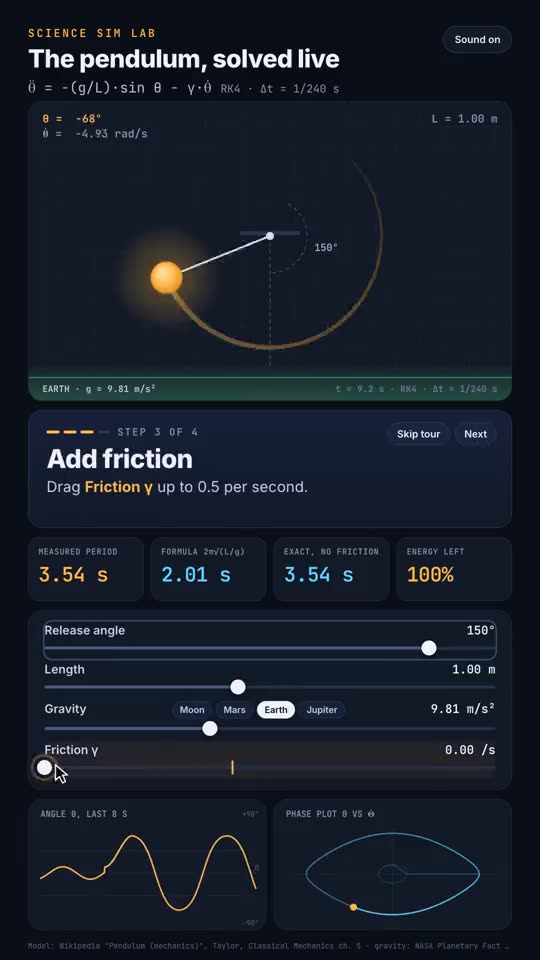
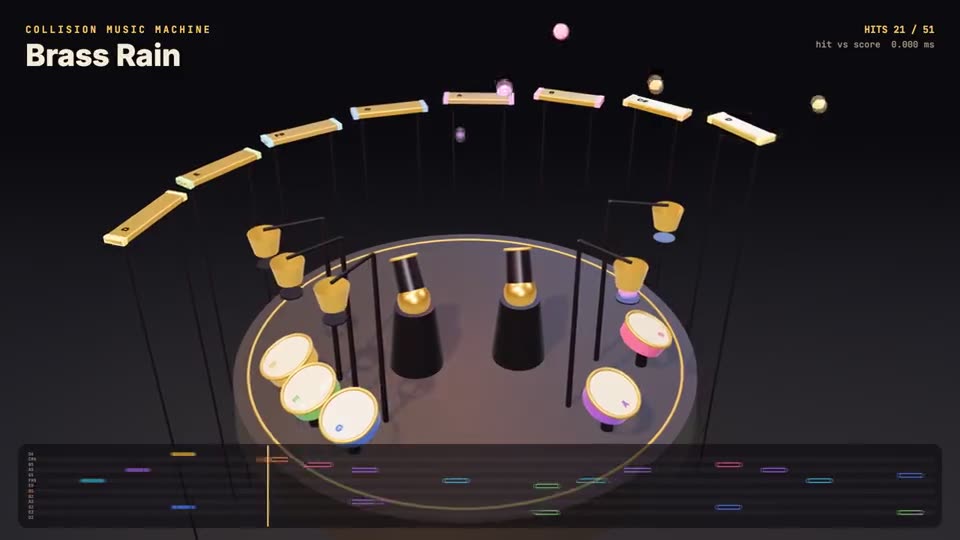
Not for a narrated explainer (use Topic Explainer (fp-topic-explainer)), a sim with sliders (use Science Sim Lab (fp-science-sim-lab)) or balls that play music (use Collision Music Machine (fp-collision-music-machine)).

 Claude quick start