Your clip or photo in. A particle dissolve and reform video out.
/fp-footage-to-particles
What it does
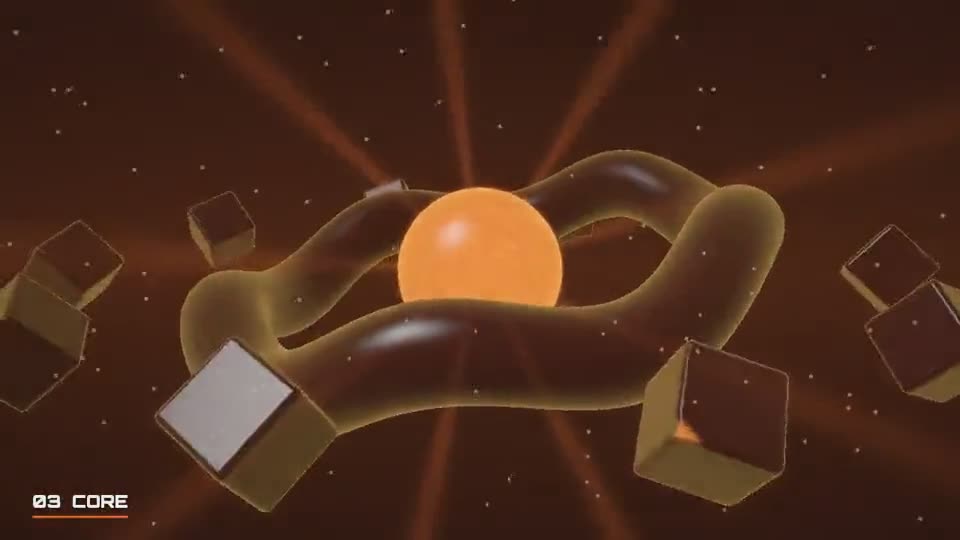
Your own clip becomes 70,000 points that carry its colours and depth. It turns to show its depth, dissolves to dust, spins into a vortex and flies back together into the clip, still moving.
Every point samples colour and depth from your clip
Dissolve, vortex, depth slice and reform effects
Seeded and frame-exact: every render matches
You bring, you get
You bring
A short clip or a photo of a subject you own, and which seconds to use. A two-second shot of the empty set makes the cleanest cut-out.
You get
A 16 second MP4 in 9:16 or 16:9 with synthesized sound, mastered to -14 LUFS, plus the three.js page and the prepared frames to re-render it.
Perfect for
Reels and TikToks
Music video moments
Profile intros
Product reveals
Dance clips
Disintegrate effects
How it works
GATHERYour clip, the seconds and the format.
APPROVEBeat sheet and depth route. Yes first.
PREPAREFrames, depth maps and a subject mask.
BUILDTimeline, words and look in the page.
PREVIEWInvisible hand-offs, no streaks, a clear spiral.
RENDERVideo, frame checks, sound and master.
What you need
Claude Code or a Claude app with local code execution. Node.js 18+, Python 3 with numpy, OpenCV and Pillow, and ffmpeg. Depth Anything V2 (torch) and rembg are optional upgrades.
Example prompts
DANCE CLIP DISSOLVE
You bring: A 12 s vertical dance clip filmed on a tripod, plus 2 s of the empty room
Use fp-footage-to-particles on dance.mp4 with empty.jpg as the clean plate: 9:16, dissolve on the freeze, reform as I spin.
You get: A 16 s 1080x1920 MP4: the clip plays, turns to depth, blows away as dust, spirals and reforms mid-move, with synthesized whooshes and a bed.
PHOTO TO STARDUST
You bring: One portrait or product photo, ideally with a plain background
Use fp-footage-to-particles to make my product photo explode into glowing particles and come back together, 1:1 crop for a post, no words.
You get: The still as a point cloud that shows its depth, dissolves, swirls and reassembles, as a short MP4 with the text off and sound on the moves.
INTRO FOR A CHANNEL
You bring: A 12 s wide clip of you waving at the camera and your channel name
Use fp-footage-to-particles on wave.mov at 16:9 with my channel name as the kicker, then hold on the reformed clip.
You get: A 1920x1080 intro where your clip turns to particles and reforms, the name as a small kicker, and the depth route named in the hand-over.
Not the right fit?
Not for music-driven visuals with no footage (use Audio Reactive Visualizer (fp-audio-reactive-visualizer)) or cutting raw footage into an edit (use Beat-Cut Edit (fp-beat-cut-edit)).

 Claude quick start