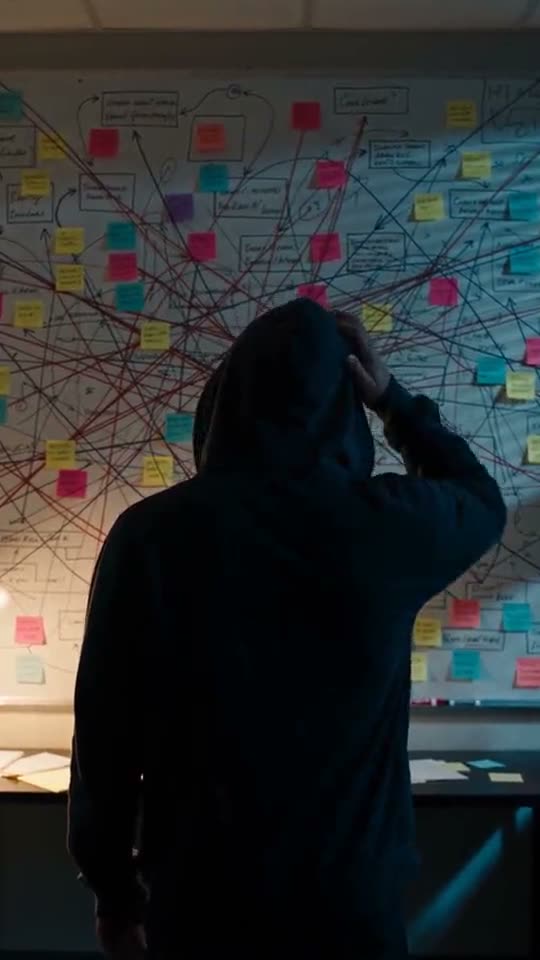
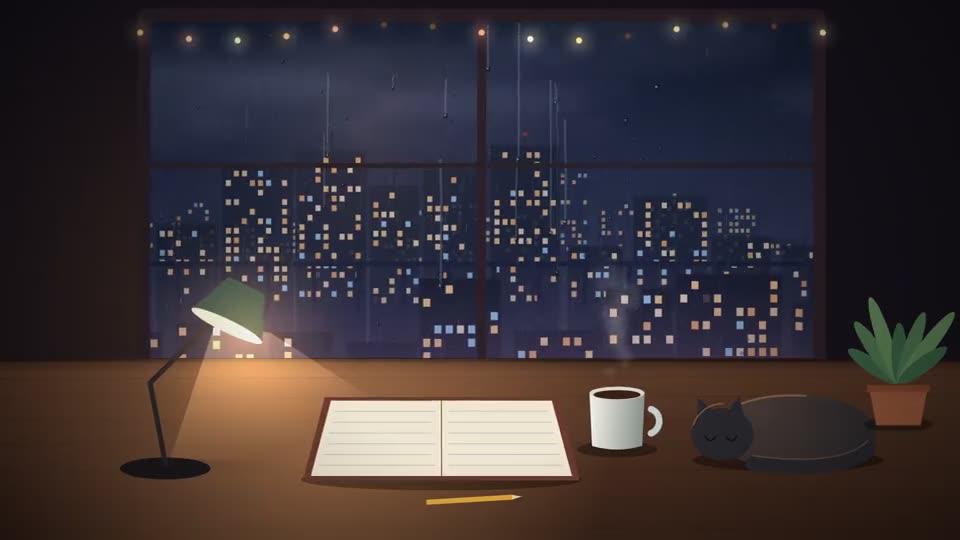
One still image in. A short video of it coming to life out.
/fp-animate-image
What it does
Takes your photo, logo, infographic or screenshot apart into layers and animates each one, then lands exactly on your image. Text stays letter-perfect and faces and products stay themselves.
Subject, text and icons cut into separate layers
Builds on in reading order or loops seamlessly
Checked: the last frame matches your original
You bring, you get
You bring
One image: a photo, product shot, logo, infographic, diagram, map, screenshot or poster. Tell it where the video goes, or it makes a 9:16 Reel.
You get
A 6-15 second MP4 at 1080 px wide (9:16, 4:5, 1:1 or 16:9) with synthesized sound effects, plus the HTML composition and its layers for quick changes later.
Perfect for
Infographic Reels
Logo intros
Living photos
Product hero shots
Screenshot demos
How it works
ANALYSEName every part that could move on its own.
PLANA layer map with motion and timing. Approve it.
CUTCut-outs plus a filled background plate.
BUILDEach layer moves; the camera follows.
CHECKPreview, then prove the rest frame is yours.
DELIVERRender, add sound, master, hand over.
What you need
Runs in Claude Code or a Claude app with local code execution. Needs Node.js 18+, Python 3 and ffmpeg; the setup script adds rembg and OpenCV for cutting out subjects.
Example prompts
INFOGRAPHIC TO REEL
You bring: A tall infographic PNG with a title, four steps and a bar chart
Use fp-animate-image on this infographic: build it on in reading order for an Instagram Reel, bars growing at the end, 12 seconds.
You get: A 1080x1920 MP4 where the title, each step, the arrows and the bars arrive in order as the camera follows, ending on your exact image, with sound.
LOGO INTRO
You bring: Your logo as an SVG or a transparent PNG, and your brand colour
Use fp-animate-image to make a 5 second intro from my logo: the mark assembles, the name wipes in, a light sweep, on our navy background.
You get: A 5 s intro where the logo's own parts fly in and settle exactly into place, checked against your file, with a shimmer as it lands.
LIVING PORTRAIT
You bring: A portrait or landscape photo you have the rights to
Use fp-animate-image to turn this photo into a seamless 8 second 9:16 loop with gentle depth, floating dust and a soft light moving across.
You get: A seamless loop: the subject is cut out in front of a filled background, with a slow camera breath and parallax. The face is never changed.

 Claude quick start