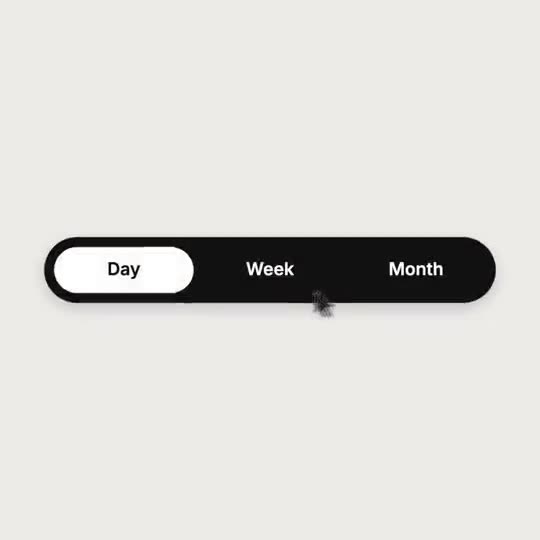
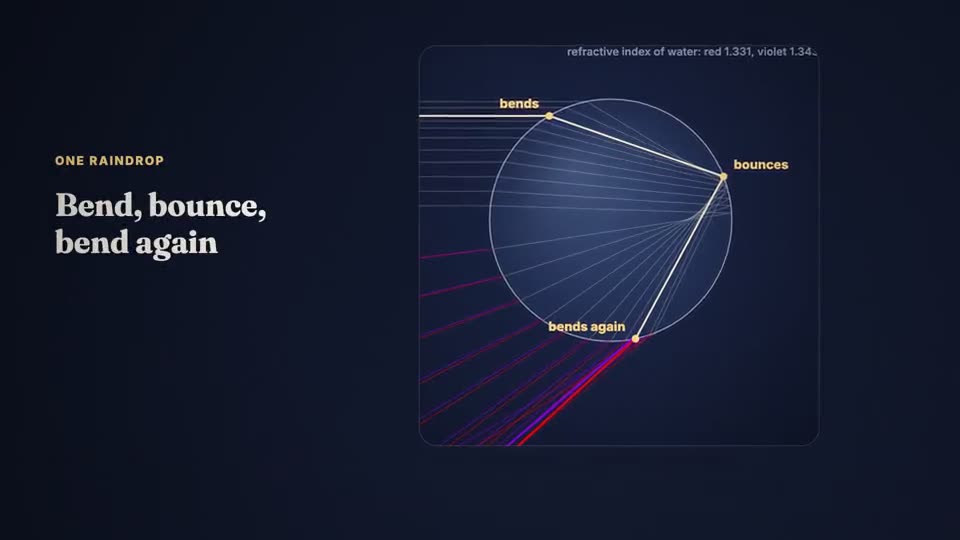
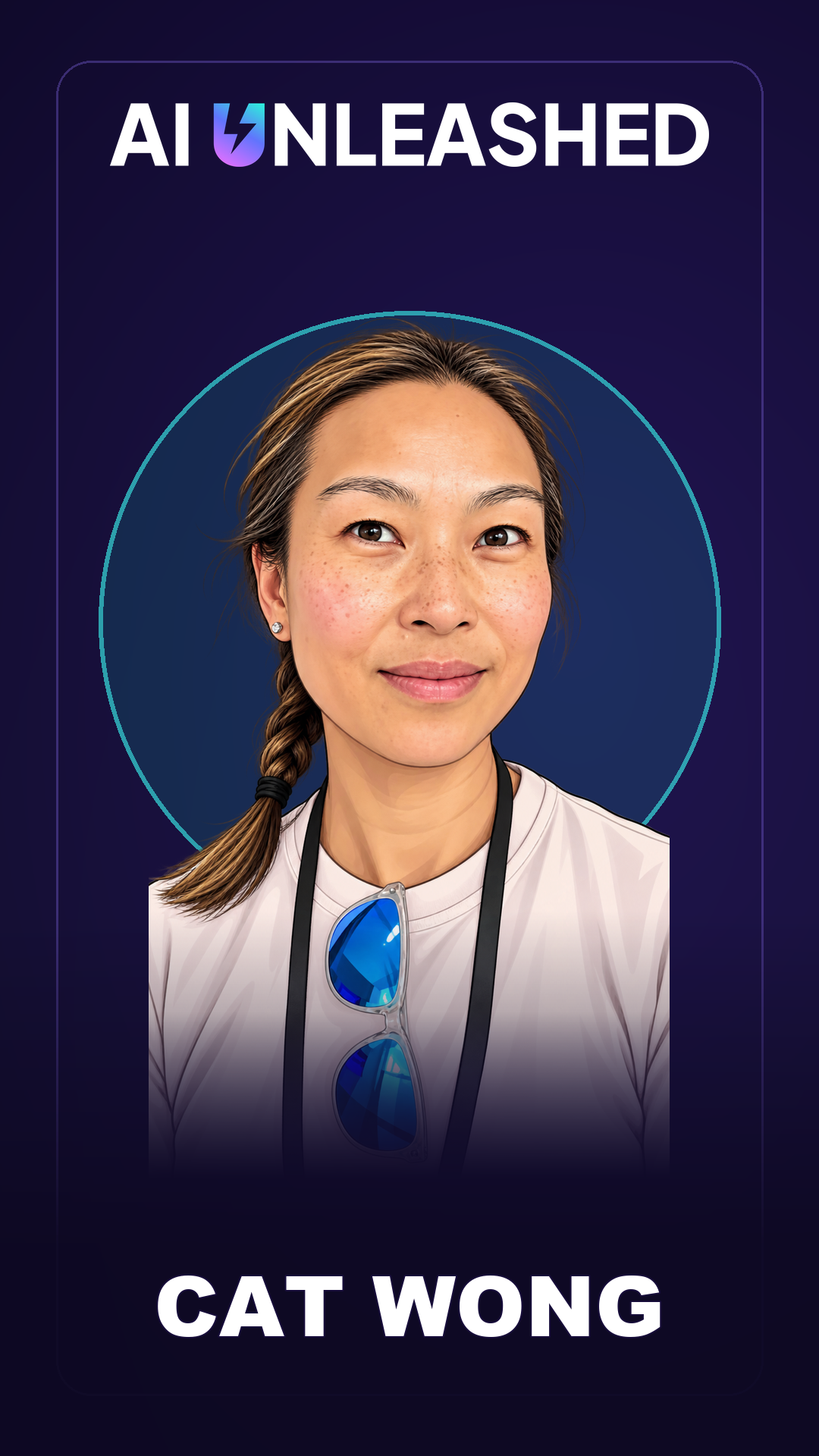
A real product source in. A polished overview and social reels out.
/fp-product-video
What it does
Turn a product website, demo or repository into a grounded visual story. Build from real product output, then deliver a main overview, a vertical version and short social cuts.
Real demo data, screenshots and brand assets
Approve the storyboard before the build
Music, synthesized effects, optional voice-over
You bring, you get
You bring
Bring a product URL, demo or repository, your brand direction and the destination URL. Choose voice-over yes or no, and bring a music track or ask for Pixabay options.
You get
You get a 16:9 overview of about 60-75 seconds, a 9:16 version, and 2-4 fifteen-second vertical reels with one hook each.
Runs in Claude Code or a Claude app with local code execution. Needs Node.js, Python, Playwright with Chromium, and ffmpeg. ElevenLabs is optional and needs your own API key.
You bring: Your product repo with its demo build, your logo, and a track you own.
Use fp-product-video to make a 70 second 16:9 launch video for our invoicing app from the demo build in this repo (npm run demo). Music: launch_track.mp3. No voice-over.
You get: A 70 s 16:9 overview built from the demo's real numbers and screens, the music's drop on the first feature cut, an effect on each entrance, and the URL on screen for 3 s or more.
15-SECOND AD REELS
You bring: A real example report from your product and its public demo URL.
Use fp-product-video to make a 9:16 video and three 15 second reels for our reporting tool from sample_report.pdf and our public demo dashboard. One pain point per reel.
You get: A 9:16 video and three 15 s vertical reels, each one hook, one or two feature beats and an end card. Counters finish before every cut, and you are told which reel to post first.
CLIENT APP EXPLAINER
You bring: Screenshots from your client's demo account, their brand colours.
Use fp-product-video to make a 45 second explainer with voice-over for my client's booking app, from the demo account screenshots in demo_screens/. Find music options on Pixabay.
You get: A 45 s 16:9 explainer and a 9:16 version, an ElevenLabs voice-over on your own key, and captions that tell the story muted. You get 3-5 Pixabay tracks to pick and download.
Not the right fit?
Not for a looping one-shape UI animation (use UI Morph Loop (fp-ui-morph-loop)) or a topic explainer with no product (use Topic Explainer (fp-topic-explainer)).

 Claude quick start
 ElevenLabs