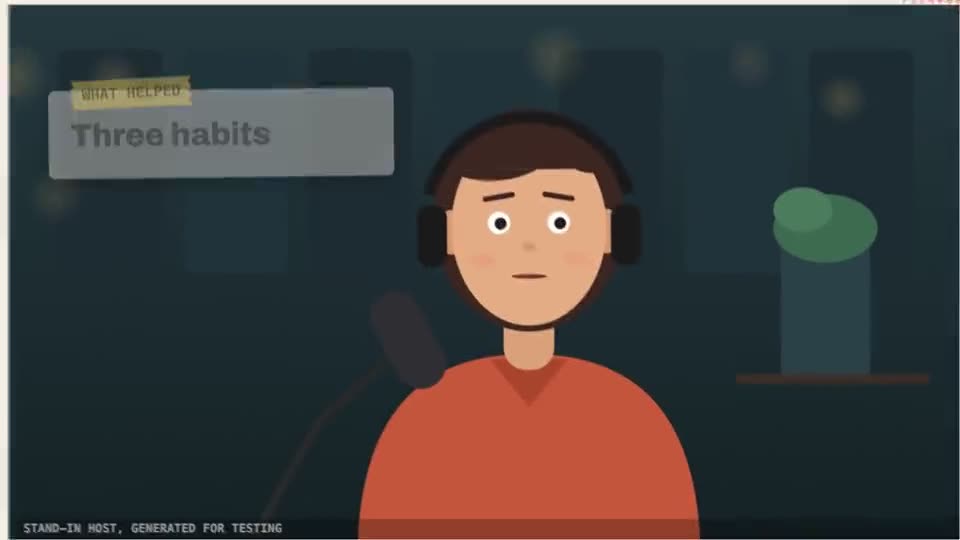
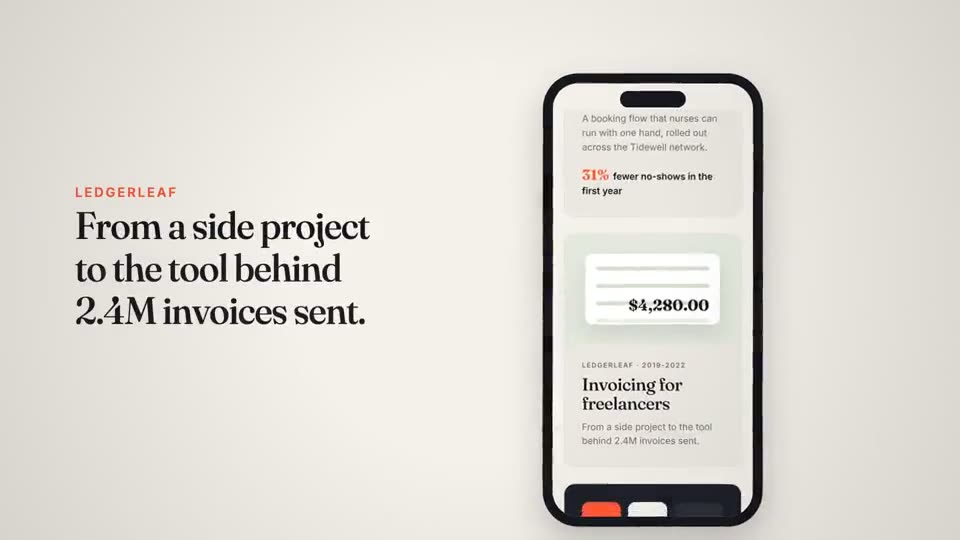
Give a real person's story the treatment it deserves: a recognizable cartoonified cover, accurate captions, a music bed, and a clean logo outro.
Choose full, cleaned-up, or highlight edits
Caption the actual words, with restrained emphasis
Keep the speaker's meaning and statement order
You bring, you get
You bring
A raw testimonial recording, your logo, and any required end-screen text.
You get
A finished, playable video with audio, checked from cover to outro.
Perfect for
Client testimonials
Customer review reels
Event guest stories
Case study clips
Highlight cuts
How it works
INSPECTFind the name and a good frame.
CHOOSEFull, cleaned-up or highlight edit.
COVERA recognizable cartoon portrait.
CAPTIONSThe actual words, timed and checked.
MUSICYour track or a Pixabay pick, under the voice.
OUTROYour logo; no invented claims.
What you need
Codex on your computer (it runs the editing tools locally). Works best with the speaker's name and your logo to hand.
Example prompts
COACHING CLIENT STORY
You bring: Your client's raw call recording, your logo, and the end-screen line you want
Use $fp-testimonial-video-editor on maya_client_call.mp4. Clean up the dead air and false starts but keep her full message, then end on logo.png with "Book a free call".
You get: A playable video with audio: a cartoon cover with her verified name, timed captions of her real words, music under the voice and your logo outro.
HIGHLIGHT REEL CUT
You bring: A patient's raw review recording, your logo, and a target length
Use $fp-testimonial-video-editor on patient_review_raw.mov. Make a 30 second highlight cut, vertical for Instagram Reels, and end on my clinic logo.
You get: A vertical highlight cut built only from things the patient said, kept in their spoken order, with a few key words emphasised and a simple logo ending.
WORKSHOP GUEST STORIES
You bring: Several raw recordings from your event guests, plus your logo
Use $fp-testimonial-video-editor on these three workshop recordings. Keep each one full length with only the start and end trimmed, 16:9 for YouTube.
You get: Three clearly named exports, each with its own cartoon cover, name spelling checked, captions checked against the audio, reviewed from cover to outro.
Not the right fit?
Not for adding graphics to a podcast (use Podcast B-Roll Inserts (fp-podcast-broll-inserts)) or a showreel built from your own website (use Personal Reel (fp-personal-reel)).