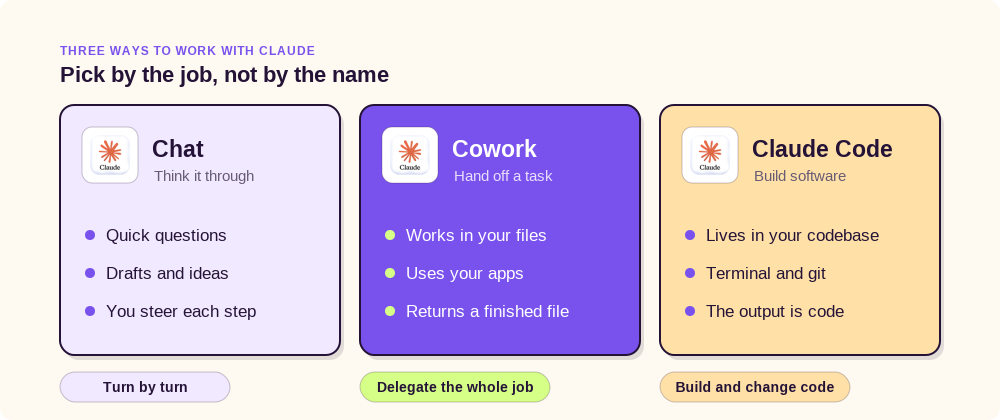
 Part 1 of 6
Chat, Cowork or Claude Code: which one to open
What each one is for, where Cowork actually runs, and a three-question test for picking the right one.

Claude Academy
Short, step-by-step lessons for getting real work done with Claude and AI tools. Every lesson comes with a free download.
 Series
A short course, in order. Learn what Cowork is and how to work with it, one part at a time.
6 guides · Start the series →GuidesSkills, CLAUDE.md, models, settings, Claude Code and more. Pick any lesson, in any order.
11 guides · Browse the guides →17 guides
Part 1 of 6What each one is for, where Cowork actually runs, and a three-question test for picking the right one.
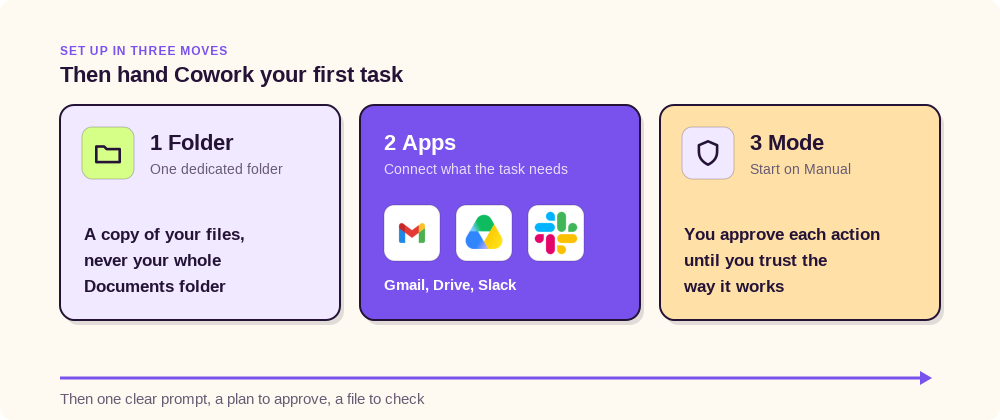 Part 2 of 6
One dedicated folder, your apps, a safe approval mode, and a first prompt that works.
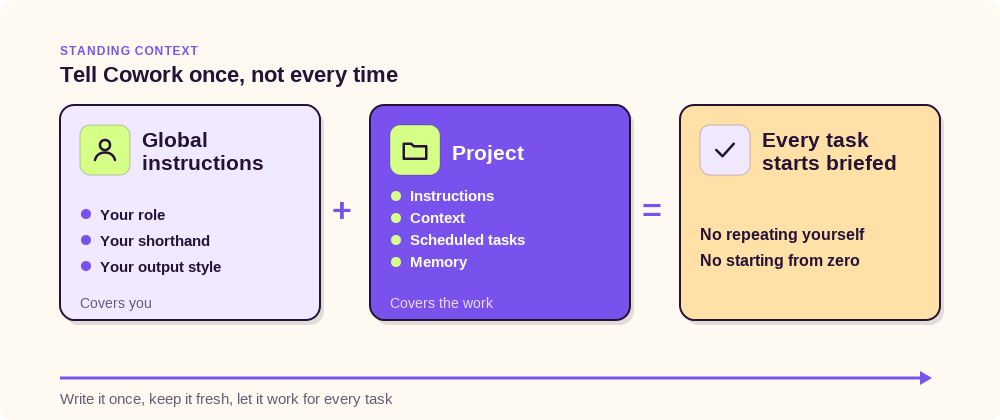 Part 3 of 6
Write your instructions once, keep them fresh, create a project, and control what Claude remembers.
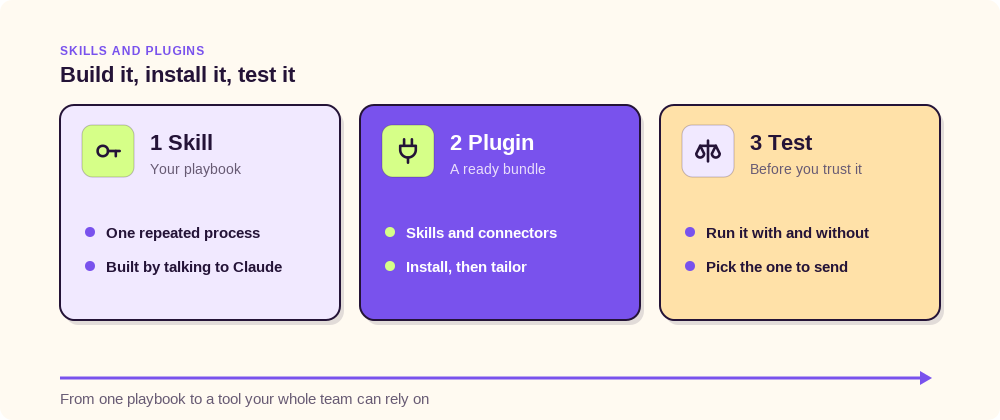 Part 4 of 6
Build a skill by talking to Claude, install and tailor a plugin, and test both before you rely on them.
 Part 5 of 6
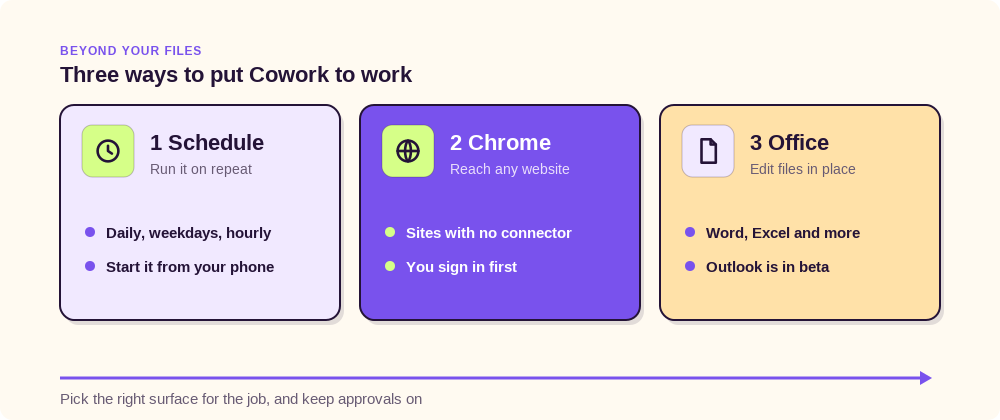
Run a task on a schedule, use Claude in Chrome on sites with no connector, and work inside your Office apps.
 Part 6 of 6
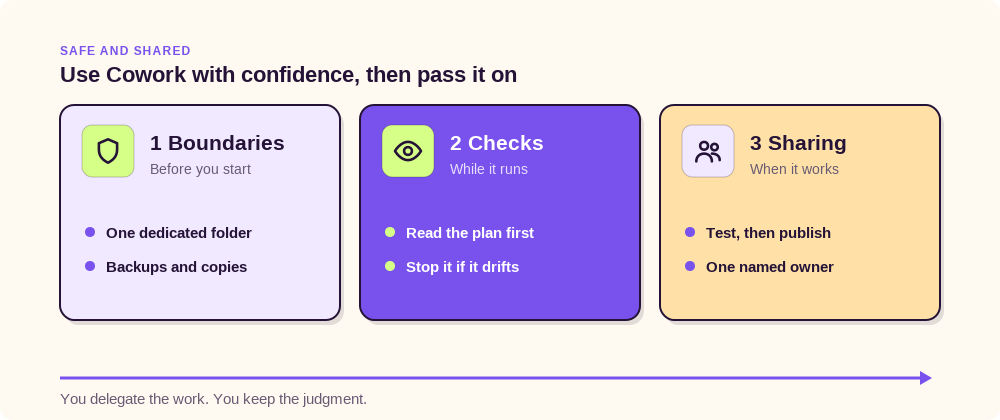
Set boundaries, write careful prompts, know when not to use Cowork, watch your usage, and share a tested plugin.
 Beginner
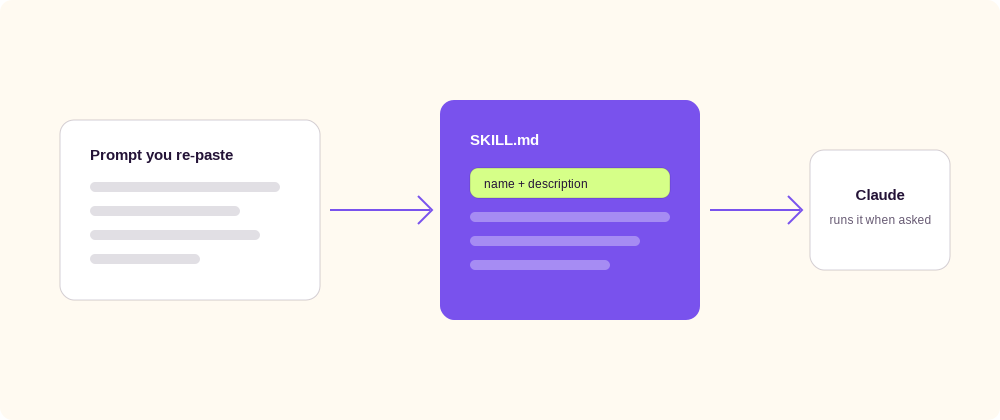
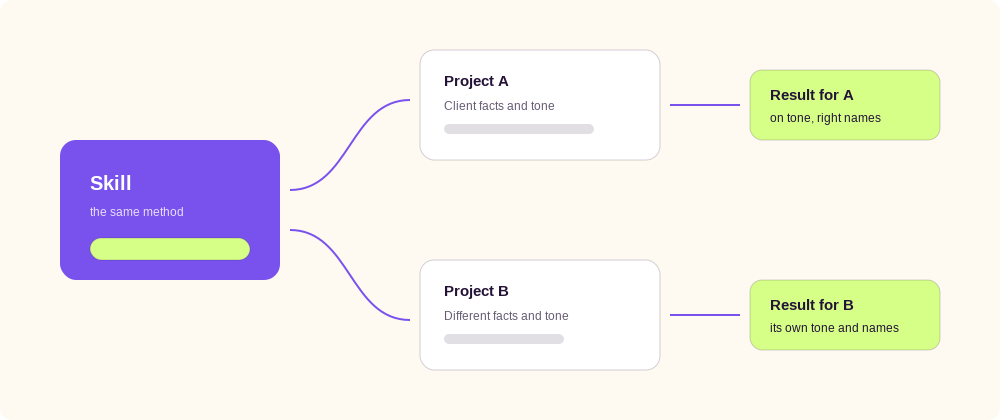
Turn a prompt you keep re-pasting into a skill that runs on its own, and see how skills and Projects fit together.
 Beginner
Build one of each from a job you repeat, then run them together so a short request comes back finished.
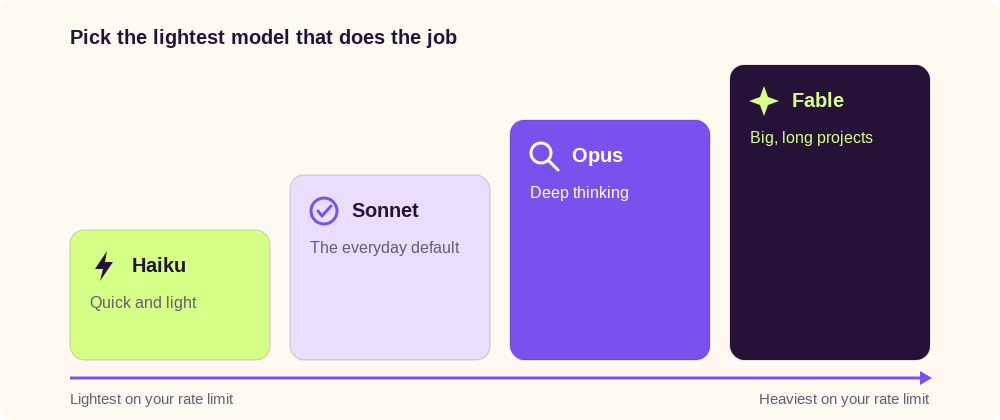 Beginner
What Haiku, Sonnet, Opus and Fable are each best at, how they use your rate limit, and how to test and move up only when you need to.
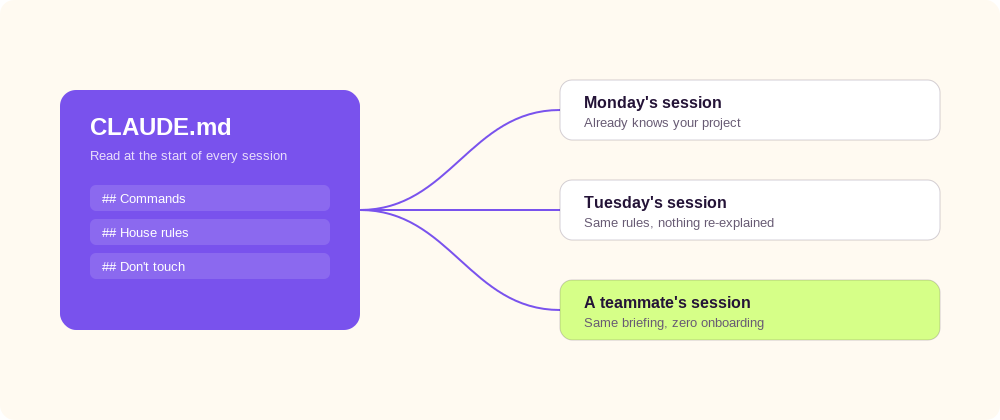 Beginner
The note Claude Code reads every session: what it is, the three levels, what to put in it and how to keep it fresh.
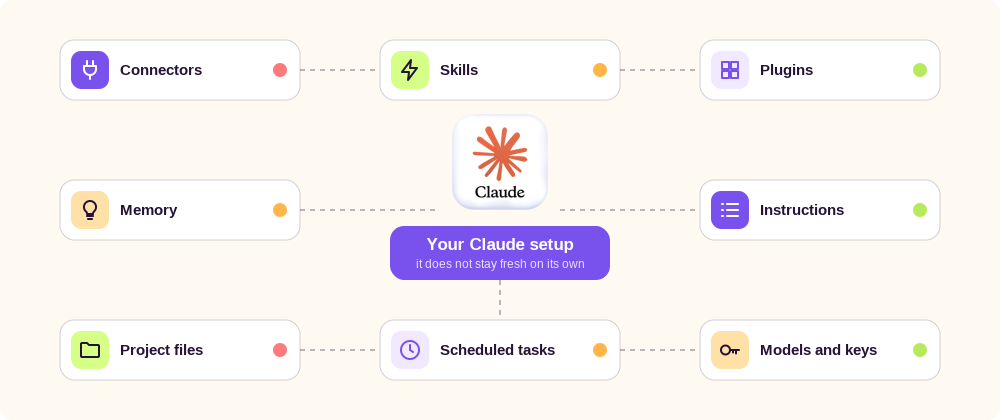 Beginner
What goes stale in Claude, what each part is, and a ten-minute weekly routine that keeps it sharp.
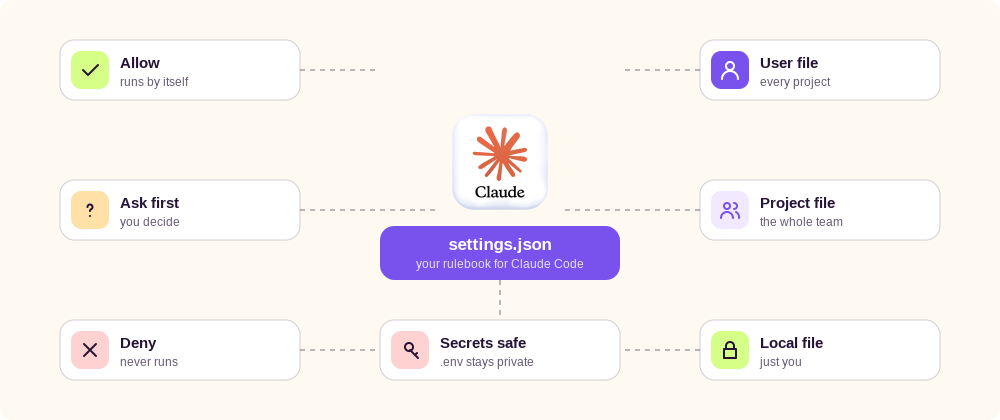 Beginner
The rulebook Claude Code checks before it acts: what goes in it, why it matters, and how to protect your secrets.
 Intermediate
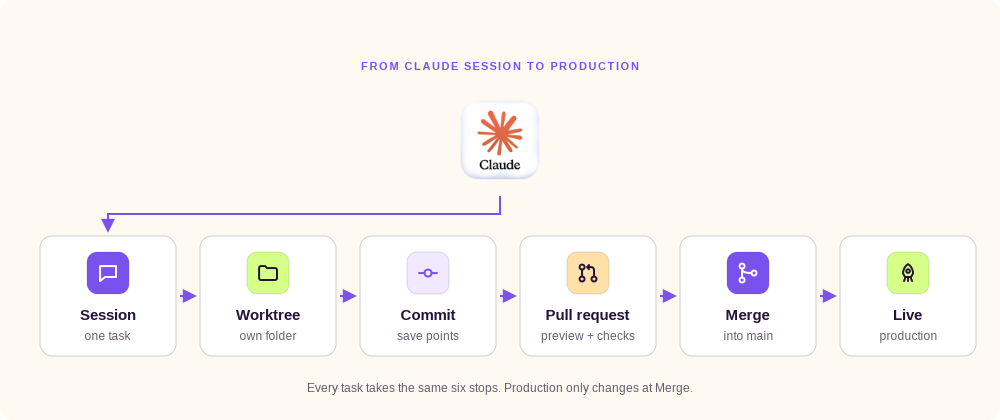
Worktree, commit, pull request, merge: the safe path for every task, plus worktree cleanup, Playwright and what to set up before your first client.
 Intermediate
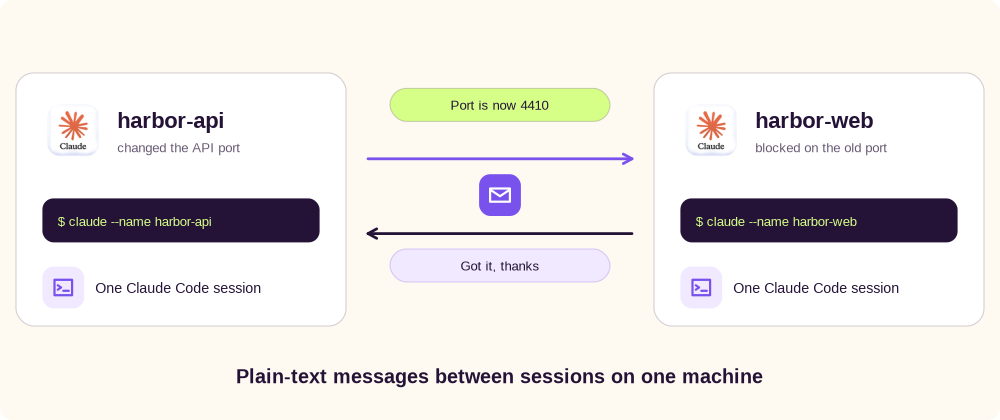
Name two sessions, check they can see each other, send a fact and get a reply, and learn the limits.
 Intermediate
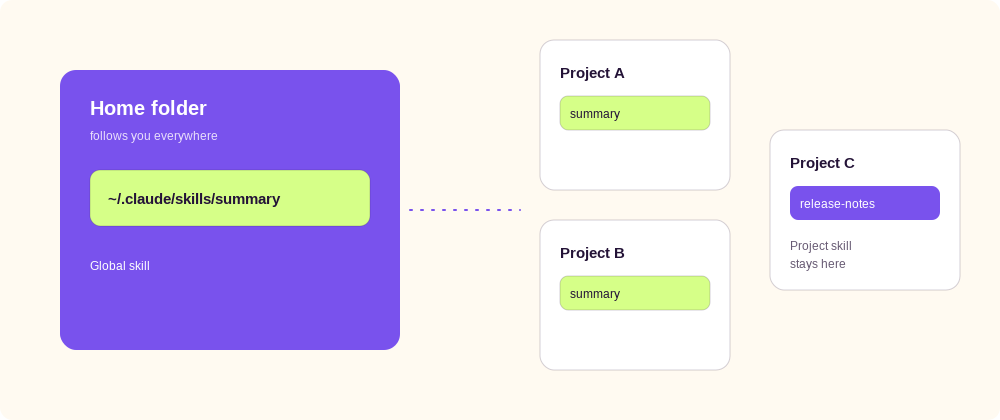
Where a skill should live, what every skill costs in context, and how to audit and trim them.
 Intermediate
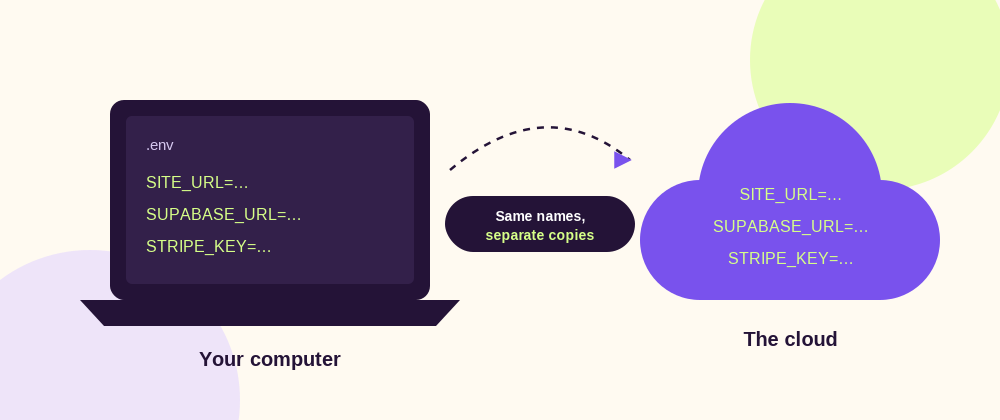
Why your keys work on your computer but not in the cloud, and a routine that keeps your .env, Claude Code cloud, Vercel and Supabase in sync.
 Intermediate
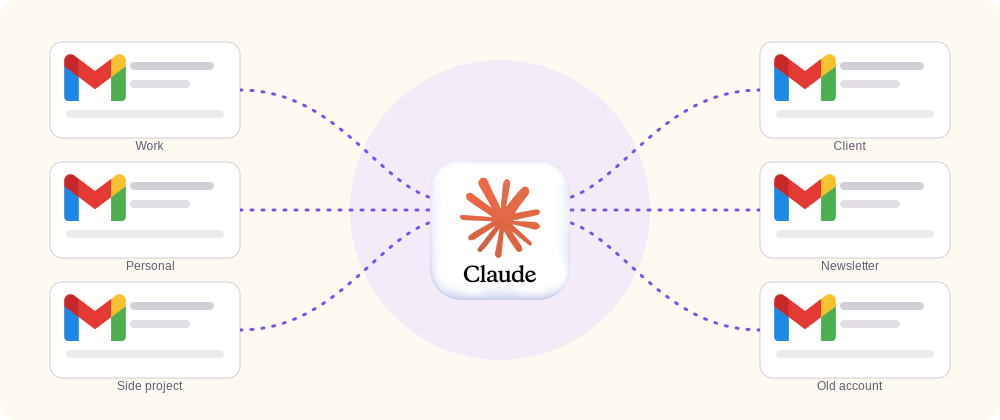
One-time setup so Claude Code can read, draft and send across every Gmail account you own.
Every skill comes with a one-page Quick Start. Find yours on the skill’s own page, next to the Buy button.